


1. Tap Select Icon
Tap the select Icon at the top right of the search screen.

You will only have to sign in on your phone once.
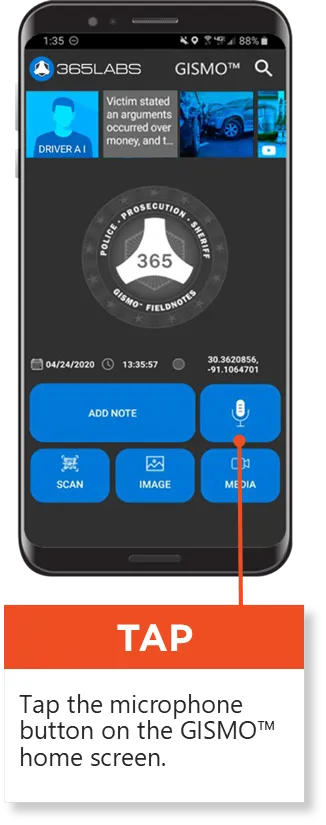

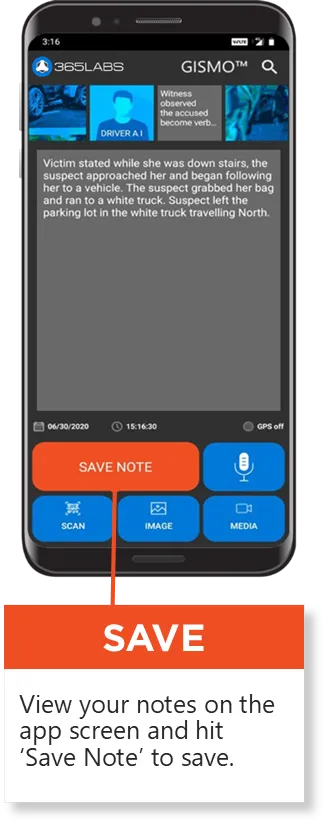


Tap the Media icon to record & save videos

1. Tap Select Icon
Tap the select Icon at the top right of the search screen.

2. Select the Items
Tap the checkboxes to select multiple notes, images, videos, driver ID, etc at once.

3. Select an Action
Multiple items can be Shared, Tagged and Retained at once. Tap the desired action button from the bottom of the screen.


1. Tap Group Icon
Tap the Group icon at the top right of the search screen.
2. Select Incident Group
Items will be auto grouped based on time & location of when they were captured. Tap 'SELECT' to select all items under an incident group. You can multiple groups as well.
3. Select an Action
Multiple Groups can be Shared, Tagged and Retained at once. Tap the desired action button from the bottom of the screen.


Tap the Image analysis toggle at the bottom of screen.

Objects identified in the photo will be labeled on the screen.

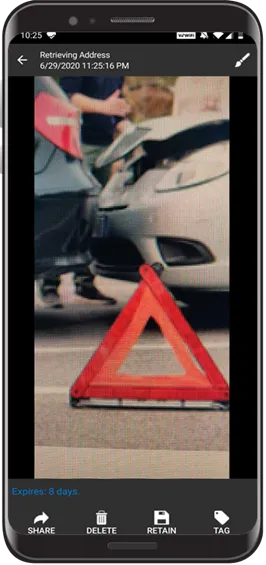
Tap to select any image from the Search screen.


Tap on “Save” at the top right of the Screen to save your edits.
